Film Terminology Explained: A Practical Glossary for Beginners
Film terminology describes the choices crews make while writing, shooting, recording sound, editing, and finishing a film. Learn terms by department and.
By My Logline Editorial
Film terminology describes the choices crews make while writing, shooting, recording sound, editing, and finishing a film. Learn terms by department and connect each definition to a scene you can picture. This glossary covers shot sizes, movement, lighting, sound, story, production design, colour, visual effects, and common on-set language.
Key takeaways
- Learn vocabulary in the context of a scene or department.
- Distinguish framing, movement, sound, and editing terms.
- Use shared language to communicate a precise creative intention.
What do framing and shot-size terms mean?
To move from definitions to shot selection, use 50 Camera Shots, Movements and Editing Techniques Explained. Compare the framing options against the emotion or information your scene needs to communicate.
- Extreme Wide Shot (EWS) – Shows the environment; subject is tiny.
- Wide Shot (WS) – Shows the full subject from head to toe.
- Medium Shot (MS) – Frames subject from the waist up.
- Medium Close-Up (MCU) – From chest or shoulders up.
- Close-Up (CU) – Focuses on a character’s face or detail.
- Extreme Close-Up (ECU) – Focuses on a very small detail (eye, hand, object).
- Over-the-Shoulder (OTS) – Shot from behind one person’s shoulder toward another.
- Point of View (POV) – What the character sees directly.
- Two-Shot – Two characters framed together.
- Low Angle – Camera looks up at subject, making them look powerful.
- High Angle – Camera looks down, making subject look weak or small.
- Dutch Angle (Tilt) – Slanted frame to show tension or unease.
- Aerial Shot – Filmed from drone/helicopter to show scale.
- Tracking Shot – Follows the movement of a character or object.
- Static Shot – Locked camera; no movement.
- Master Shot – Captures the entire scene in one wide setup.
- Insert Shot – Close-up of an important detail (phone, letter, etc.).
- Cutaway – Cut to something outside the main action (reaction, clock, etc.).
- Establishing Shot – Opens a scene to show where we are.
- Reaction Shot – Focuses on a character’s response to something.
What do camera movement terms mean?
- Pan – Camera moves left/right from a fixed point.
- Tilt – Camera moves up/down from a fixed point.
- Dolly – Camera moves toward or away from the subject on wheels.
- Truck – Camera moves side-to-side along a track.
- Zoom – Changes focal length without moving the camera.
- Crane Shot – Camera moves up/down using a crane.
- Handheld – Shaky, realistic feel using handheld camera.
- Steadicam – Smooth, stabilized camera movement.
- Rack Focus – Changing focus from one subject to another within the same shot.
- Whip Pan – Fast pan used for transitions or energy.
- Push-In – Camera slowly moves closer to emphasize emotion.
- Pull-Back – Camera slowly moves away for context or reveal.
- Arc Shot – Camera circles around the subject.
- Crash Zoom – Sudden zoom in/out for dramatic effect.
- Tilt-Shift – Creates a miniature effect using lens focus.
What do sound & audio terms terms mean?
- Diegetic Sound – Exists within the story world (dialogue, car horn).
- Non-Diegetic Sound – Outside the story world (background score).
- Foley – Manually recreated sounds (footsteps, doors, etc.).
- ADR (Automated Dialogue Replacement) – Re-recording dialogue in studio.
- Ambience – Background environmental sound.
- Room Tone – The natural sound of a location’s silence.
- Voiceover (VO) – Narration spoken over visuals.
- SFX (Sound Effects) – Artificial or enhanced sounds.
- Mixing – Balancing levels of sound elements.
- Mastering – Final polish of audio track.
- EQ (Equalization) – Adjusting frequencies for clarity.
- Compression – Controlling loud/soft volume range.
- Reverb – Echo-like effect for depth or space.
- Sync Sound – Sound recorded live during shoot.
- Cue Sheet – List of music/sound timings in film.
What do lighting terms terms mean?
- Key Light – Main light source on subject.
- Fill Light – Softens shadows created by key light.
- Back Light (Rim Light) – Separates subject from background.
- Practical Light – Visible light source within frame (lamp, TV).
- Ambient Light – Natural or existing light in scene.
- Soft Light – Diffused, gentle lighting (romantic or beauty shots).
- Hard Light – Sharp shadows, dramatic look.
- Bounce Light – Light reflected off surface for softness.
- Motivated Lighting – Lighting justified by scene (lamp, sun).
- Gobo – Shape/pattern placed in front of light.
- High Key Lighting – Bright, low-contrast lighting.
- Low Key Lighting – Dark, moody, high-contrast lighting.
- Silhouette – Subject seen as dark shape against bright background.
- Color Temperature – Warm (yellow/orange) or cool (blue) tone of light.
- 3-Point Lighting – Key + Fill + Back light setup.
What do editing & post-production terms terms mean?
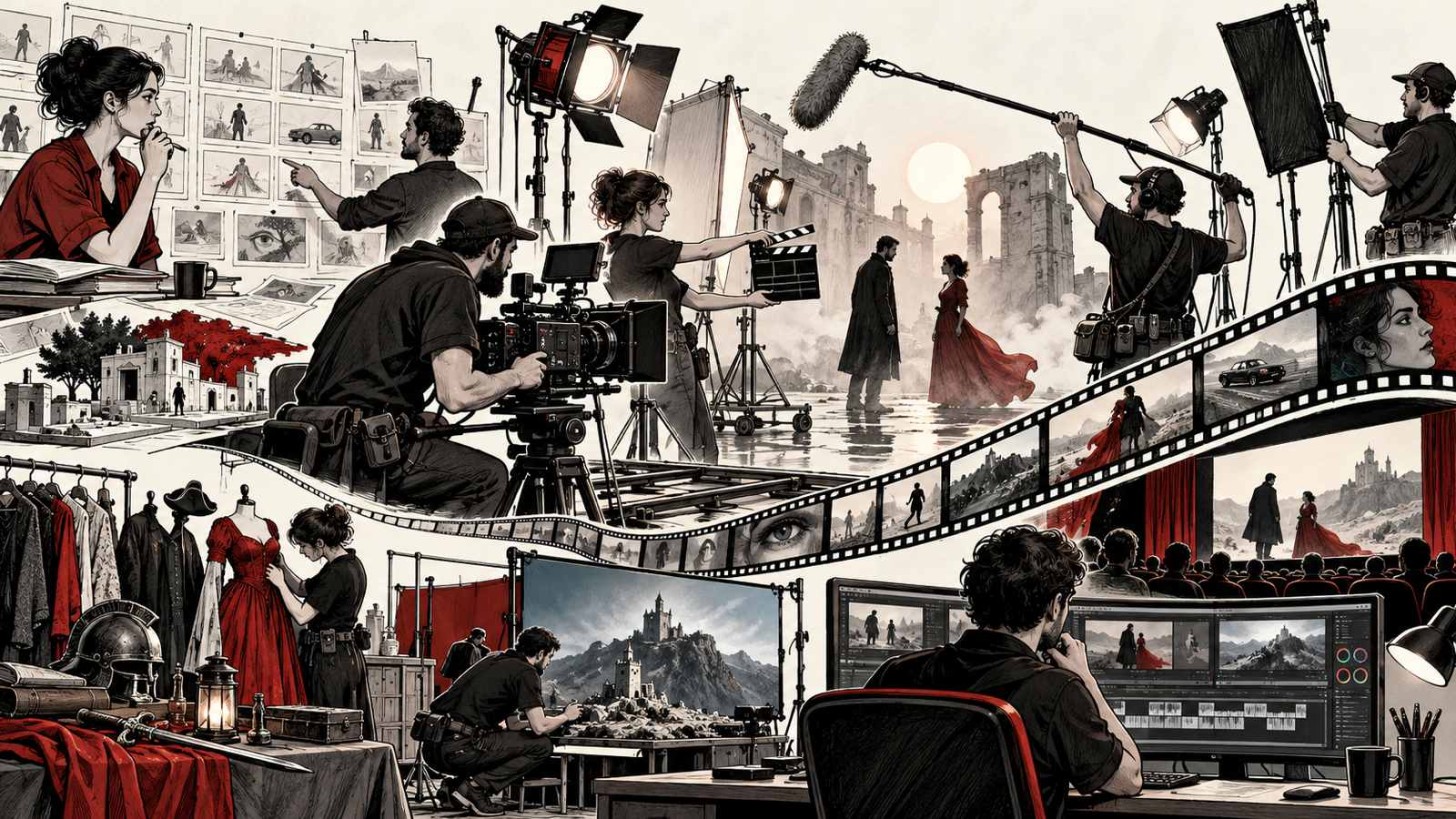
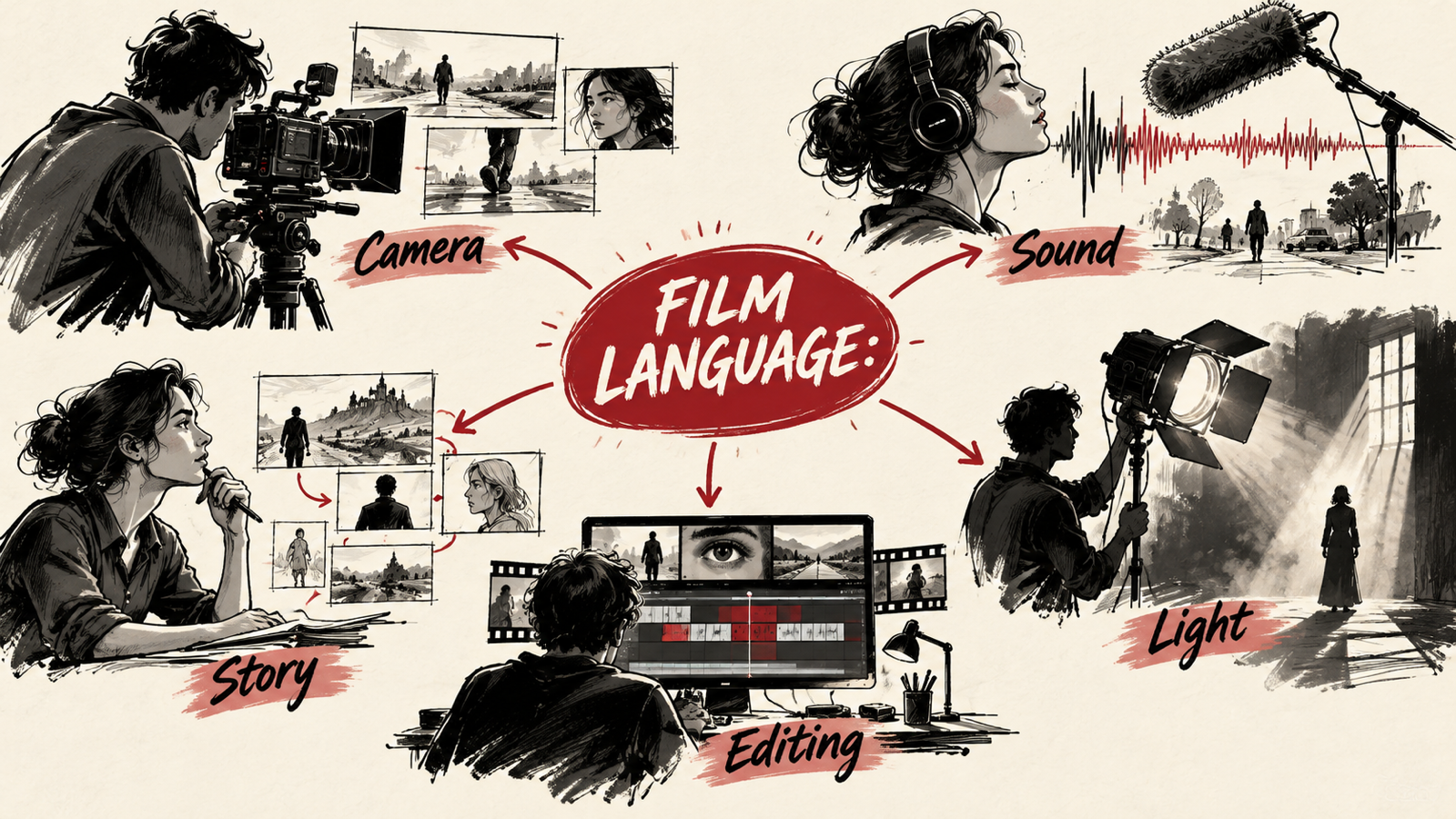
For the wider relationship between editing, sound, image, and story, read How Filmmaking Works: Story, Camera, Sound and Editing. Understanding how those departments work together makes the terminology more useful in a real filmmaking conversation.
- Cut – Basic transition between shots.
- Jump Cut – Abrupt change showing time or energy.
- Match Cut – Two shots connected visually or thematically.
- Cross Cut – Back-and-forth between two actions happening simultaneously.
- Montage – Series of quick shots showing passage of time.
- J-Cut – Audio from next scene starts before the cut.
- L-Cut – Audio from current scene continues into next.
- Fade In / Fade Out – Smooth transition to/from black.
- Dissolve – Gradual overlap of two shots.
- Smash Cut – Sudden change from calm to intense shot.
- Insert Edit – Adding new footage into existing timeline.
- Continuity – Logical consistency between shots.
- Color Grading – Adjusting color for mood or tone.
- VFX (Visual Effects) – Computer-generated imagery.
- CGI (Computer-Generated Imagery) – Full digital elements.
- Motion Tracking – Attaching VFX to camera movement.
- Compositing – Combining multiple layers into one image.
- Rendering – Final output of processed footage.
- Timeline – The sequence of clips in editing software.
- B-Roll – Supplementary footage used to cover cuts.
- Cutaway – Insert to hide an edit or add detail.
- Rough Cut – First full edit version.
- Fine Cut – Refined edit after feedback.
- Final Cut – Locked, approved version.
- Export – Rendering finished video for delivery.
Which other filmmaking terms are useful on set?
- Storyboard – Visual breakdown of each scene before shoot.
- Blocking – Planning actors’ movement and camera position.
- Continuity – Ensuring consistency in look, props, and action.
- Slate / Clapperboard – Marks scene/take for sync.
- Call Sheet – Daily schedule for shoot day.
- Grip – Crew member who handles rigging and movement equipment.
- Gaffer – Chief lighting technician.
- DOP / Cinematographer – Responsible for camera and lighting.
- AD (Assistant Director) – Handles scheduling and set coordination.
- Producer – Oversees finance, logistics, and production flow.
- Director – The creative leader of the film.
- Continuity Sheet – Notes on wardrobe, props, and scene details.
- Recce – Location scouting before shoot.
- Wrap – Completion of filming.
Which camera and cinematography terms should you know?
- Aspect Ratio – The width-to-height proportion of a frame (e.g., 16:9, 2.35:1).
- Depth of Field (DOF) – How much of the image is in focus.
- Aperture (f-stop) – Controls how much light enters the lens.
- Shutter Speed – How long the sensor is exposed to light.
- ISO – The camera’s sensitivity to light.
- White Balance – Adjusts color temperature for natural tones.
- Lens Flare – Light reflection creating a glow or streak.
- Prime Lens – Fixed focal length lens.
- Zoom Lens – Variable focal length lens.
- Focal Length – Determines how zoomed-in or wide the frame appears.
- Bokeh – The aesthetic quality of out-of-focus background lights.
- Anamorphic Lens – Stretches image for cinematic widescreen look.
- Frame Rate (FPS) – Frames captured per second (24fps = film look).
- Shutter Angle – Relationship between shutter speed and frame rate.
- Slow Motion – Capturing at higher fps for dramatic playback.
- Time-Lapse – Capturing frames over long periods to show time passing.
- Rolling Shutter – Distortion caused by slow sensor readout.
- Exposure Triangle – The balance of aperture, shutter speed, and ISO.
- Overexposed / Underexposed – Too bright / too dark image.
- Color Space – Defines range of colors captured (Rec.709, DCI-P3, etc.).
What do screenwriting and story terms mean?
Put the story vocabulary into practice with How to Turn a Story Idea into a Complete Movie Outline. Map your own idea’s inciting incident, midpoint, and climax so the terms become decisions you can use in a screenplay.
- Beat – A small moment or unit of action in a scene.
- Inciting Incident – The event that starts the main story.
- Midpoint – Major turning point in the middle of a story.
- Climax – The highest point of tension or conflict.
- Resolution – How the story’s conflict concludes.
- Foreshadowing – Hinting at events to come.
- Exposition – Background information revealed in the story.
- Subtext – The hidden meaning behind a line or action.
- Theme – The central idea or message of the story.
- Motif – Repeating symbol or idea that supports theme.
- Setup & Payoff – Introducing something early and making it matter later.
- Protagonist – The main character.
- Antagonist – The opposing force or villain.
- Mac. Guffin – An object that drives the plot but has little meaning itself.
- Plot Twist – An unexpected turn in the story.
- Deus Ex Machina – Sudden, unrealistic resolution to conflict.
- Chekhov’s Gun – Every story element must serve a purpose.
- Voice – The unique style or tone of a writer.
- Narrative Arc – The shape of a story from start to end.
What do production-design and art-direction terms mean?
- Set Dressing – Objects used to decorate a set.
- Props – Items handled by actors.
- Production Designer – Creates the visual world of the film.
- Art Director – Executes the Production Designer’s vision on set.
- Continuity Error – Visual inconsistency between shots.
- Color Palette – The dominant colors used to represent tone/mood.
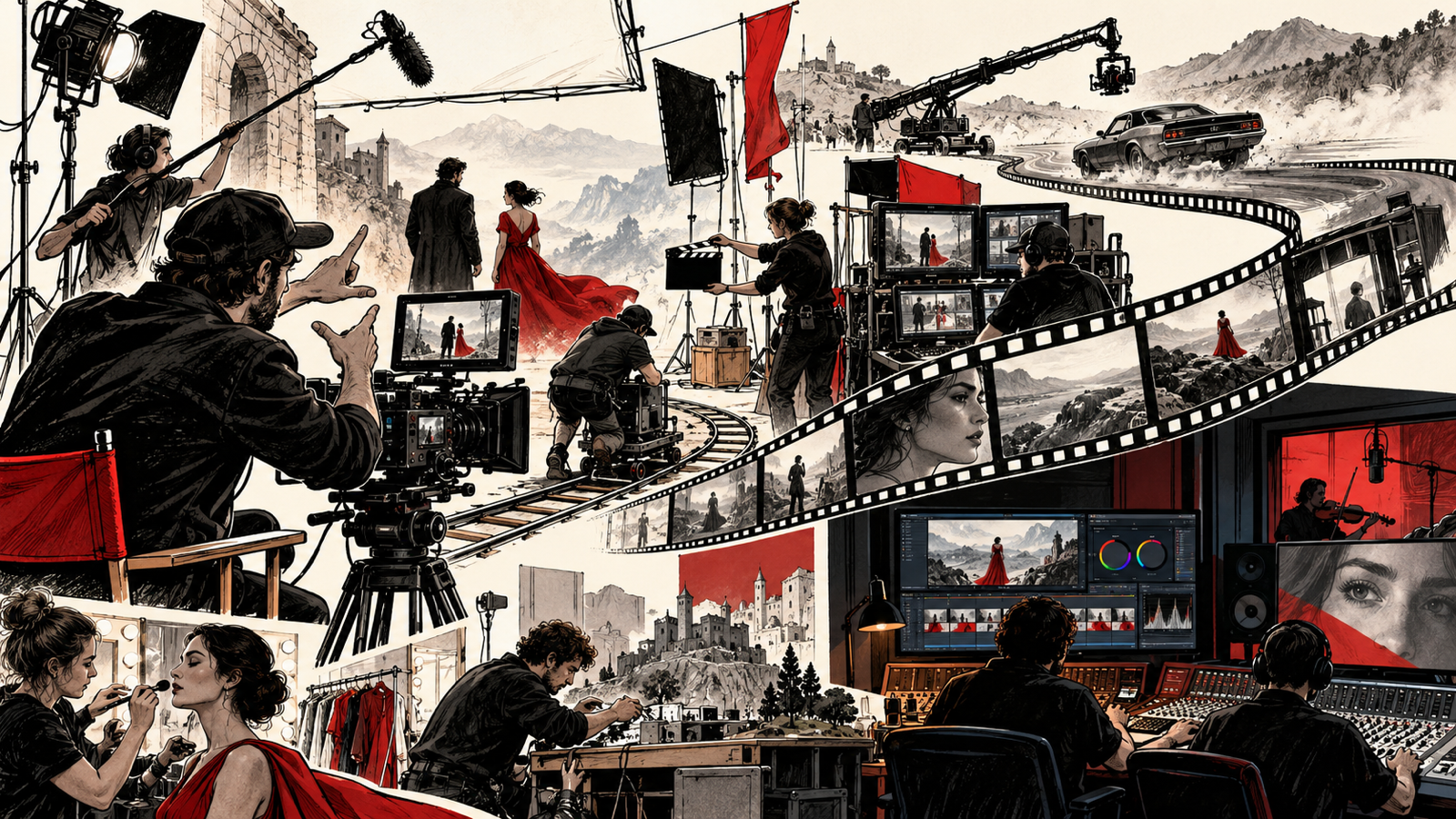
- Mood Board – A visual collage of reference images for look and feel.
- Texture Mapping – Applying surface details in 3D sets.
- Miniature Model – Scaled physical replica used for effects shots.
- Matte Painting – Painted backdrop used to extend environment.
What do colour and look-development terms mean?
- Color Grade vs. Color Correction – Correction fixes; grading stylizes.
- LUT (Look-Up Table) – Preset that changes color tones instantly.
- Contrast – Difference between light and dark areas.
- Saturation – Intensity of color.
- Hue – The base color itself.
- Gamma – Mid-tone brightness adjustment.
- HDR (High Dynamic Range) – Captures greater light/dark range.
- Bit Depth – Amount of color detail captured.
- Exposure LUT – LUT made specifically for correcting camera exposure.
- ACES Workflow – Universal color management standard in film.
What do VFX and post-production pipeline terms mean?
- Plate – The raw footage used for VFX compositing.
- Clean Plate – Background shot without actors for compositing.
- Green Screen / Chroma Key – Shooting with colored background for replacement.
- Rotoscoping – Tracing objects frame by frame for isolation.
- Motion Capture (Mo. Cap) – Recording movement for digital characters.
- Match Moving – Aligning CGI with real-world camera movement.
- 3D Tracking – Mapping 3D space of a shot for effects.
- Wire Removal – Removing visible wires in stunts.
- Particle Simulation – Creating smoke, dust, or explosions digitally.
- Compositor – Artist combining layers of visual elements.
- Render Passes – Separate layers (diffuse, shadows, reflection, etc.) combined in post.
- Matte Extraction – Isolating elements from a background.
- CG Integration – Blending CGI with real footage.
- Previs (Pre-Visualization) – Rough animated version of a scene before shoot.
- Postvis – Temp VFX added to rough cut before final.
- Pipeline – The sequence of processes from shoot to delivery.
- Conform – Syncing offline edit with full-quality media for final output.
What do bonus section: on-set lingo (fun & relatable) terms mean?
- “Rolling!” – Camera and sound are recording.
- “Cut!” – Stop recording.
- “Check the Gate” – Verify camera for dust/hair after a take (film days).
- “Martini Shot” – The last shot of the day.
- “Lock It Up!” – Quiet on set, ready to roll.
- “Speed!” – Confirmation that camera/sound is recording.
- “Striking!” – Warning before turning lights on/off.
- “Reset!” – Return everything to original position for another take.
- “Wrap Party” – Celebration after filming is completed.
- “Craft Services” – Food and snacks on set.
Frequently asked questions
What is the difference between a shot and a scene?
A shot is a continuous recorded view. A scene is a unit of dramatic action, usually within a particular time and place, and may be covered through several shots.
Do I need to memorise every film term?
No. Start with the vocabulary used in your role and current project. Return to the glossary when a term will help you understand or communicate a specific decision.
Summary
Learn vocabulary in the context of a scene or department. Distinguish framing, movement, sound, and editing terms. Use shared language to communicate a precise creative intention.
Use My Logline to write your film.