50 Camera Shots, Movements and Editing Techniques Explained
Choose a camera shot by deciding what the audience needs to see and feel. Shot size controls detail, angle shapes viewpoint, and movement changes how we.
By My Logline Editorial
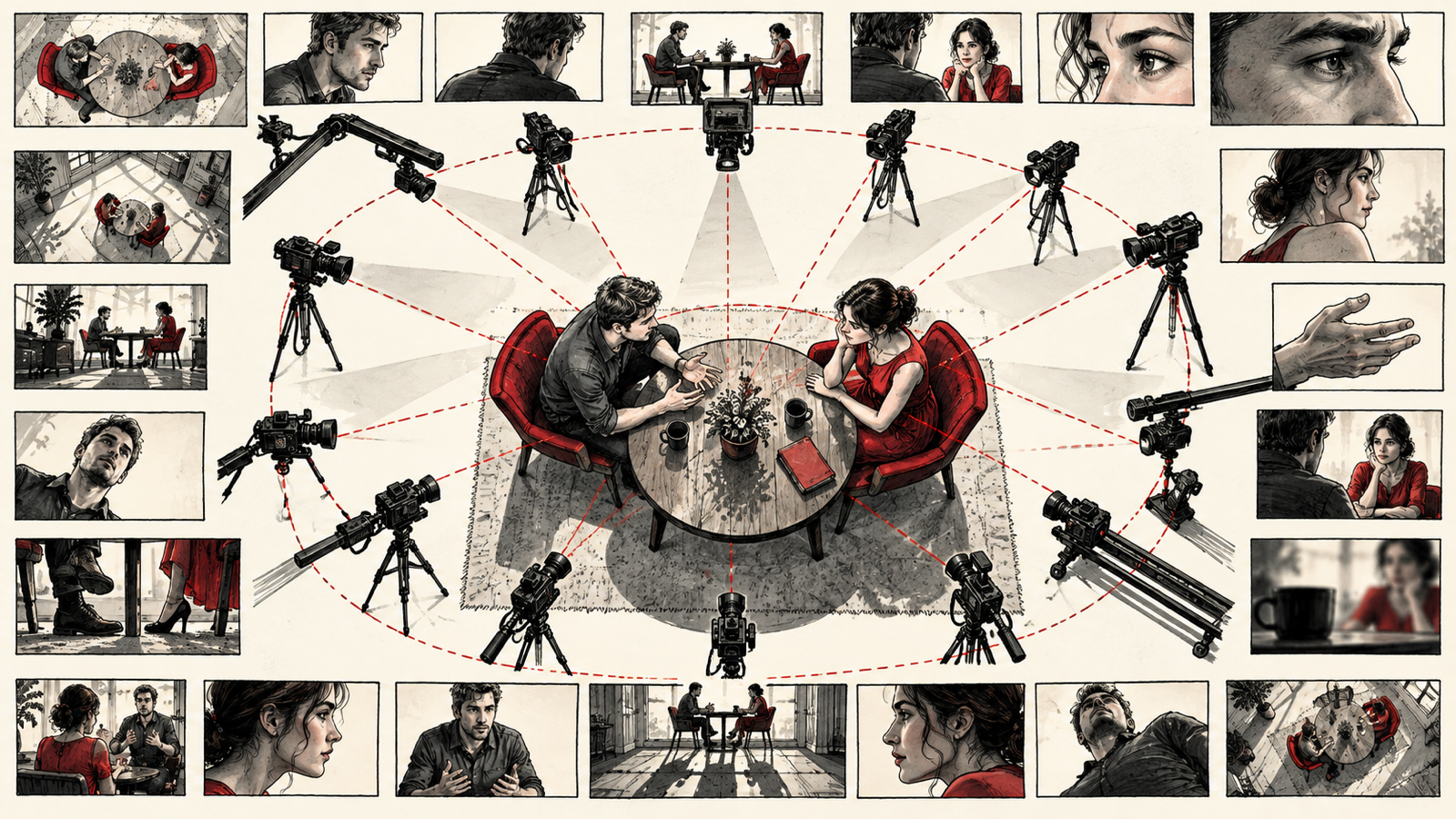
Choose a camera shot by deciding what the audience needs to see and feel. Shot size controls detail, angle shapes viewpoint, and movement changes how we experience action. This guide explains 50 shot types and related techniques, including framing, camera movement, focus changes, and several editing devices commonly discussed during shot planning.
Key takeaways
- Choose the story purpose before choosing the shot.
- Separate shot size, camera angle, movement, and editing technique.
- Plan coverage that reveals information and emotion clearly.
What are the 50 shots and related techniques?
- Wide Shot (WS). Shows the full subject and surroundings. Great for introducing location and scale.
- Extreme Wide Shot (EWS). Shows a very large area. Used for landscapes, cities, or making a character look small.
- Long Shot (LS). Shows the full body of the character with some background. Good for movement scenes.
- Medium Long Shot (MLS). Frames the character from knees up. A balance between emotion and body language.
- Medium Shot (MS). Frames from waist up. Common for conversations.
- Medium Close-Up (MCU). Frames chest up. Good for emotions while keeping some body movement.
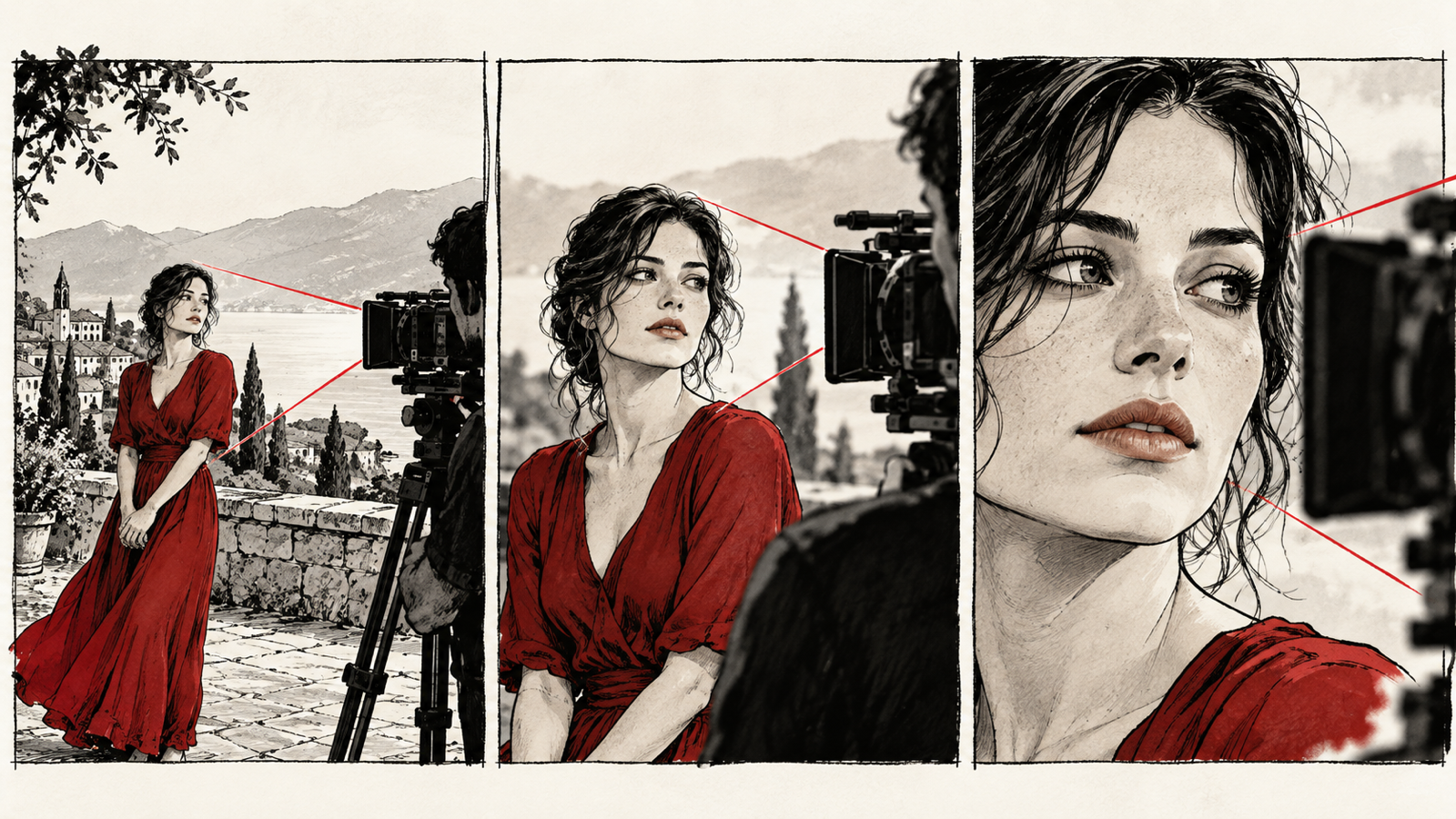
- Close-Up (CU). Focuses on the face or object. Used for strong emotion or important details. Choose that close-up because the story needs us to notice something. The visual storytelling and emotional buildup principles in How to Improve Film Storytelling: 15 Practical Techniques help you decide whose feeling or discovery the frame should reveal.
- Extreme Close-Up (ECU). Shows only eyes, lips, hand, or tiny detail. Creates intensity and focus.
- Two Shot. Frames two people together. Great for chemistry, conflict, or conversations. For a scene between family members, How to Write a Family Drama: Conflict, Subtext and Emotional Payoff can help you identify the closeness, distance, or power struggle the two-shot should express. Blocking becomes more purposeful when you know what each person wants from the other.
- Three Shot. Frames three people together. Useful for group dynamics.
- Over-the-Shoulder Shot (OTS). Camera looks over one person’s shoulder at another. Common in dialogues.
- Point of View Shot (POV). Shows what a character sees. Helps audience feel inside the moment.
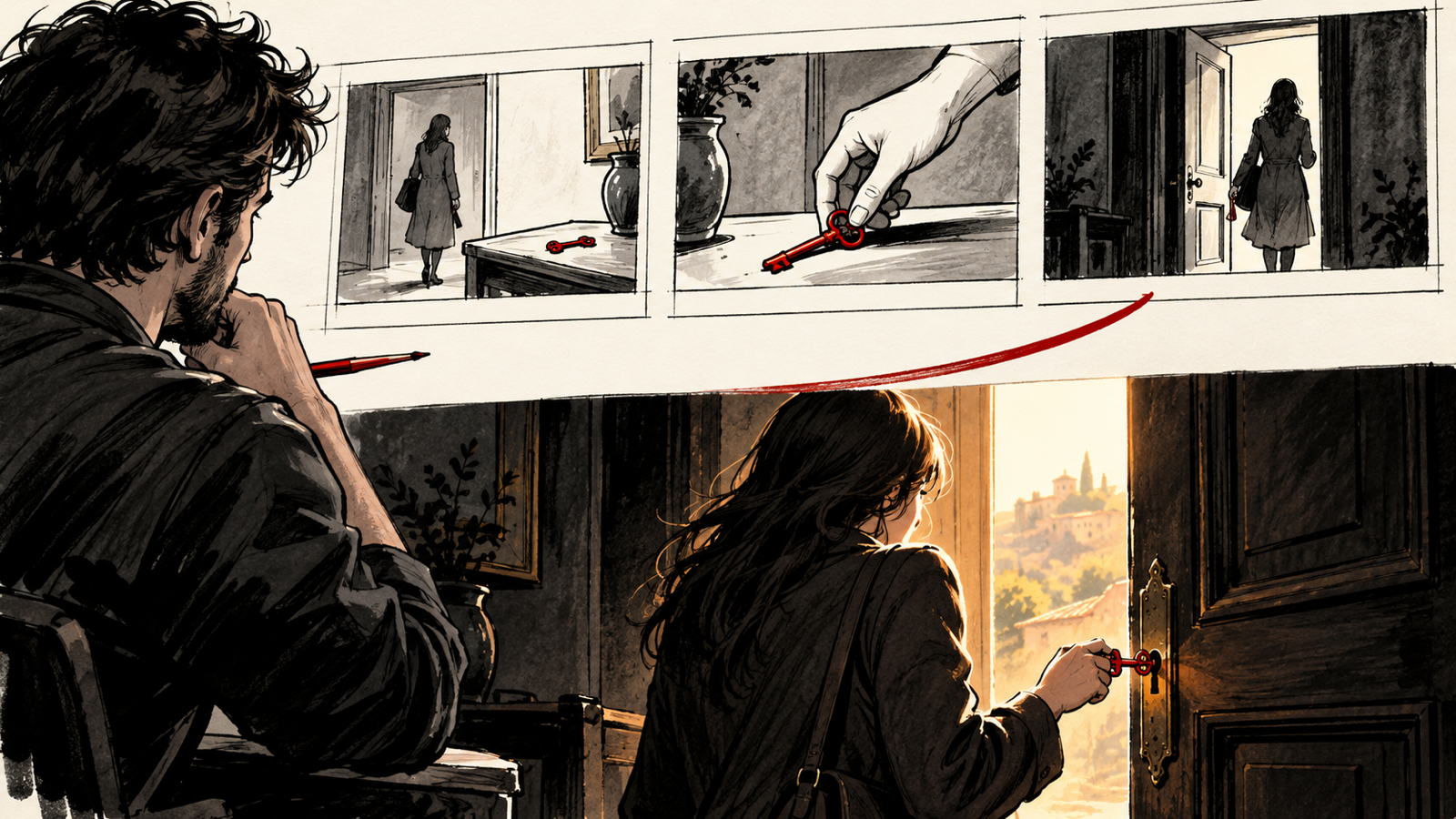
- Insert Shot. Close shot of an important object like phone, letter, key, or gun.
- Cutaway Shot. Temporarily cuts to something else in the scene, then returns. Adds meaning or reaction.
- Reaction Shot. Shows how a character reacts. Often more powerful than dialogue.
- Tracking Shot. Camera moves with the subject. Creates motion and energy.
- Dolly In. Camera moves closer to the subject. Builds tension or emotion.
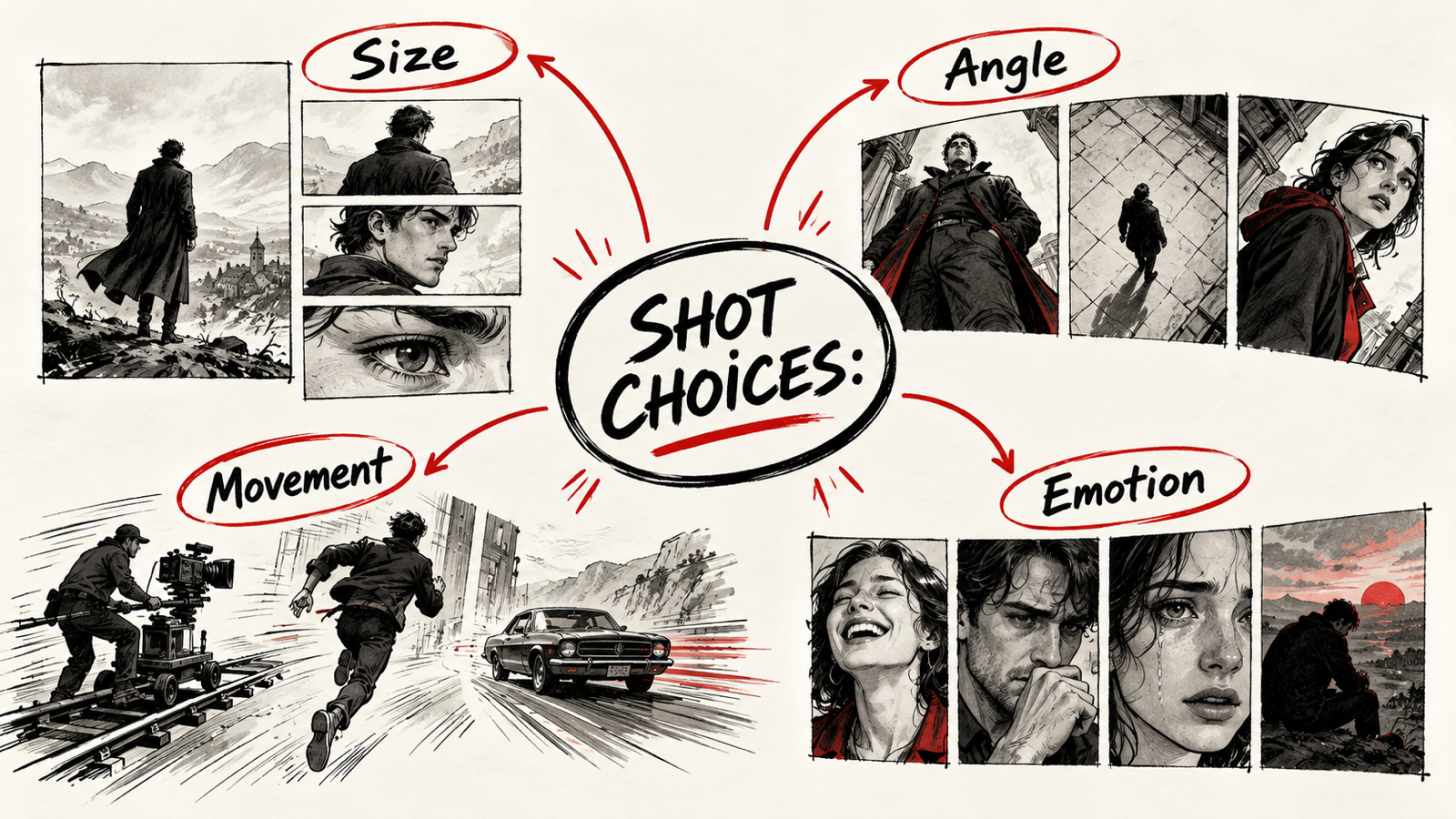
- Dolly Out. Camera moves away from the subject. Can show loneliness or reveal space.
- Push In Shot. Slow movement toward character for emotional emphasis.
- Pull Back Shot. Slow movement away to create distance or realization.
- Pan Shot. Camera turns left or right from one position.
- Tilt Shot. Camera moves up or down vertically.
- Whip Pan. Very fast pan used for energy, comedy, or transition.
- Static Shot. Camera does not move. Clean and simple focus.
- Handheld Shot. Camera moves naturally by hand. Feels raw and real.
- Steadicam Shot. Smooth moving shot while walking or running.
- Crane Shot. Camera moves high in air. Grand and cinematic feeling.
- Drone Shot. Aerial shot from above using drone.
- Top Shot / Bird’s Eye View. Camera directly above the subject.
- Low Angle Shot. Camera looks up at character. Makes them feel powerful.
- High Angle Shot. Camera looks down. Makes character feel weak or small.
- Eye Level Shot. Natural human perspective. Neutral feeling.
- Dutch Angle. Tilted frame. Creates tension or confusion.
- Silhouette Shot. Subject appears dark against bright background.
- Profile Shot. Side view of character.
- Back Shot. Shows character from behind. Good for mystery or travel.
- Front Shot. Directly faces the subject.
- Locked Frame Shot. Fixed camera with action happening inside frame.
- Reveal Shot. Shows important information slowly.
- Rack Focus Shot. Focus changes from one subject to another inside same frame.
- Zoom In. Lens zooms closer without moving camera.
- Zoom Out. Lens zooms away.
- Snap Zoom. Fast zoom for comedy or shock.
- Slow Motion Shot. Action shown slower for emotion or style.
- Time Lapse Shot. Time moves fast—sunset, traffic, clouds.
- Freeze Frame. Image stops like a photograph.
- Montage Shot. Series of quick shots showing progress or passage of time. A montage works through the relationship between images as well as individual frames. Revisit the editing and sound explanations in How Filmmaking Works: Story, Camera, Sound and Editing when deciding what to show, what to omit, and how the sequence should feel.
- Match Cut. One image transitions into a similar image.
- Jump Cut. Quick cut that skips time in same frame.
- Single Take Shot. Scene played in one continuous shot.
Frequently asked questions
What is the difference between a camera shot and an editing technique?
A shot describes a recorded view or how it is captured. An editing technique describes how recorded material is selected or joined; match cuts and jump cuts belong primarily to editing.
How many shots should I use in a scene?
Use enough coverage to communicate the action, viewpoint, and emotional changes. There is no fixed number: blocking, performance, time, and the scene’s purpose determine the plan.
Summary
Choose the story purpose before choosing the shot. Separate shot size, camera angle, movement, and editing technique. Plan coverage that reveals information and emotion clearly.
Use My Logline to write your film.